Move your existing website to Wobbio
Take the texts and photos of your old website with you, or start from an HTML file you already have.
Already have a website somewhere else? There are two ways to bring it to Wobbio:
- Let the AI take over your content. Start a new Wobbio website, then ask the AI to use the texts and photos of your old website. This works for any website that is online.
- Upload an HTML file. Have the code of a page as one HTML file, for example from a designer or another tool? Upload it, and it becomes the home page of a new website.
Take over the content of your old website
-
Start a new website from a description, see Start a website from a template or a description. Describe your business as you normally would.
The AI doesn't open web addresses while it makes the first design. So don't count on the address of your old website here: describe your business in your own words.
-
When your website is ready, open the AI chat.
-
Ask the AI to take over a page of your old website, with its address. For example: “Use the texts and photos of https://www.example.com/about for our About us page.”
The AI reads that page, saves its photos in your media library and uses them on your page. Do this page by page: the AI reads one page of your old website at a time.
Start from an HTML file
- Open the menu with your project's name at the top left of the editor and select New project. (Your first website? Then this page opens by itself.)
- On the Describe your website page, under Other ways to start, select Upload an HTML file.
- Fill in a Project name.
- Drag your HTML file to the box, or select it to choose the file.
-
Select Create project.
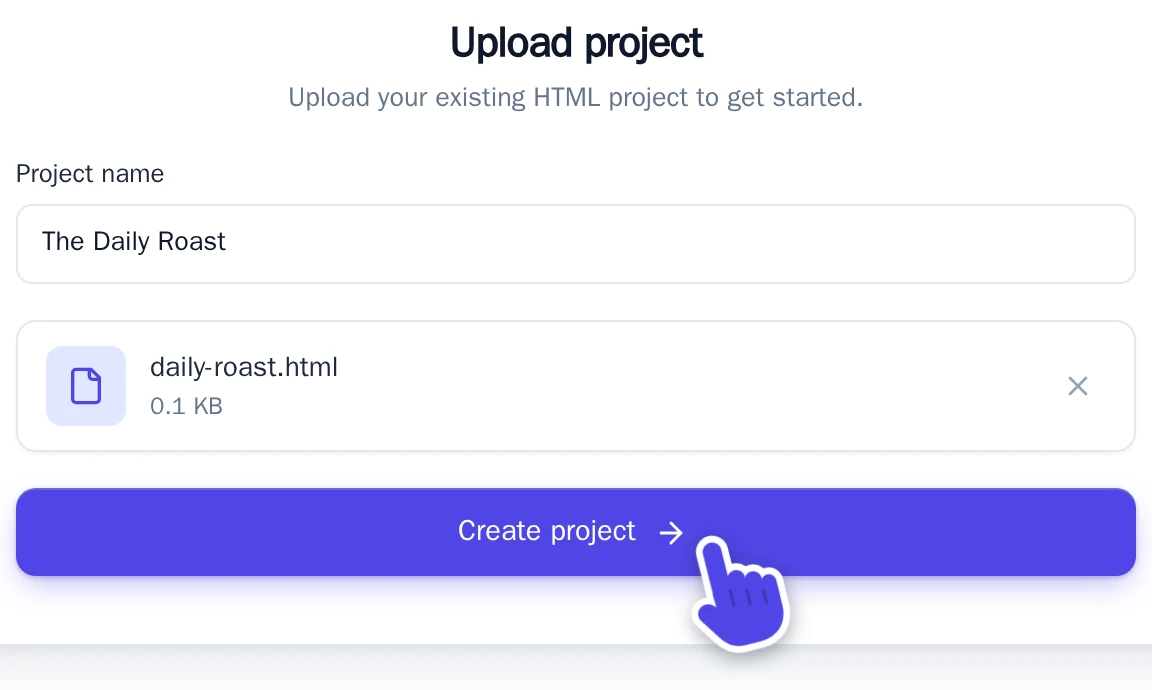
The Upload project screen.
Wobbio sets up your website: it turns the menu, the header and the footer into shared parts, so they show on every new page. Then the editor opens. Uploading uses no credits.
What the file needs
- One file that ends in
.html, of at most 2 MB. - A complete page, with
<html>and<body>. - No server code, like PHP.
- Styles and images with a full web address (starting with
https://) keep working. Files next to your HTML file, likestyle.cssorimages/photo.jpg, are not uploaded. Put the styles in the HTML file, and replace the images afterwards, see Change text and images yourself.
Your file becomes the home page. Add the other pages with Add a page.
Keep your domain
When your new website is ready, move your domain:
- Keep the domain where it is and point it to Wobbio, see Connect your own domain.
- Or move the domain to Wobbio, see Register or transfer a domain with Wobbio.
Your old website stays online until you change the domain, so visitors don't see a gap.