Edit the footer and other shared parts
The footer, the menu at the top and other parts are shared by your pages. Change them once, and every page shows the change.
On this page
Some parts of your website are on every page, like the menu at the top and the footer at the bottom. In Wobbio these are components: you change them once, and every page that uses them shows the change.
See your components
In the editor's side menu, under In this project, select Components. You see all components of your website, each with the number of pages that use it. For example:
- navbar: the menu at the top.
- footer: the part at the bottom.
- global-styles and global-scripts: no visible part, but styling and scripts for the whole website.
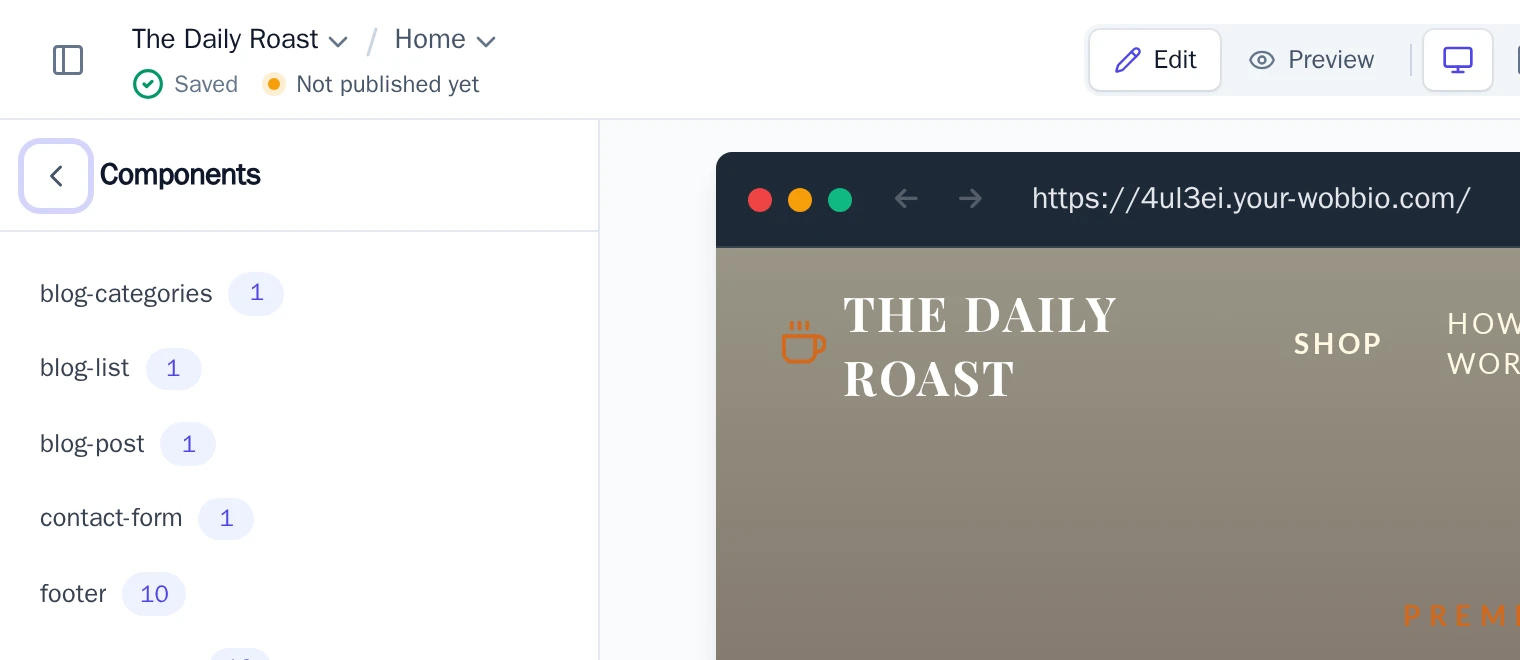
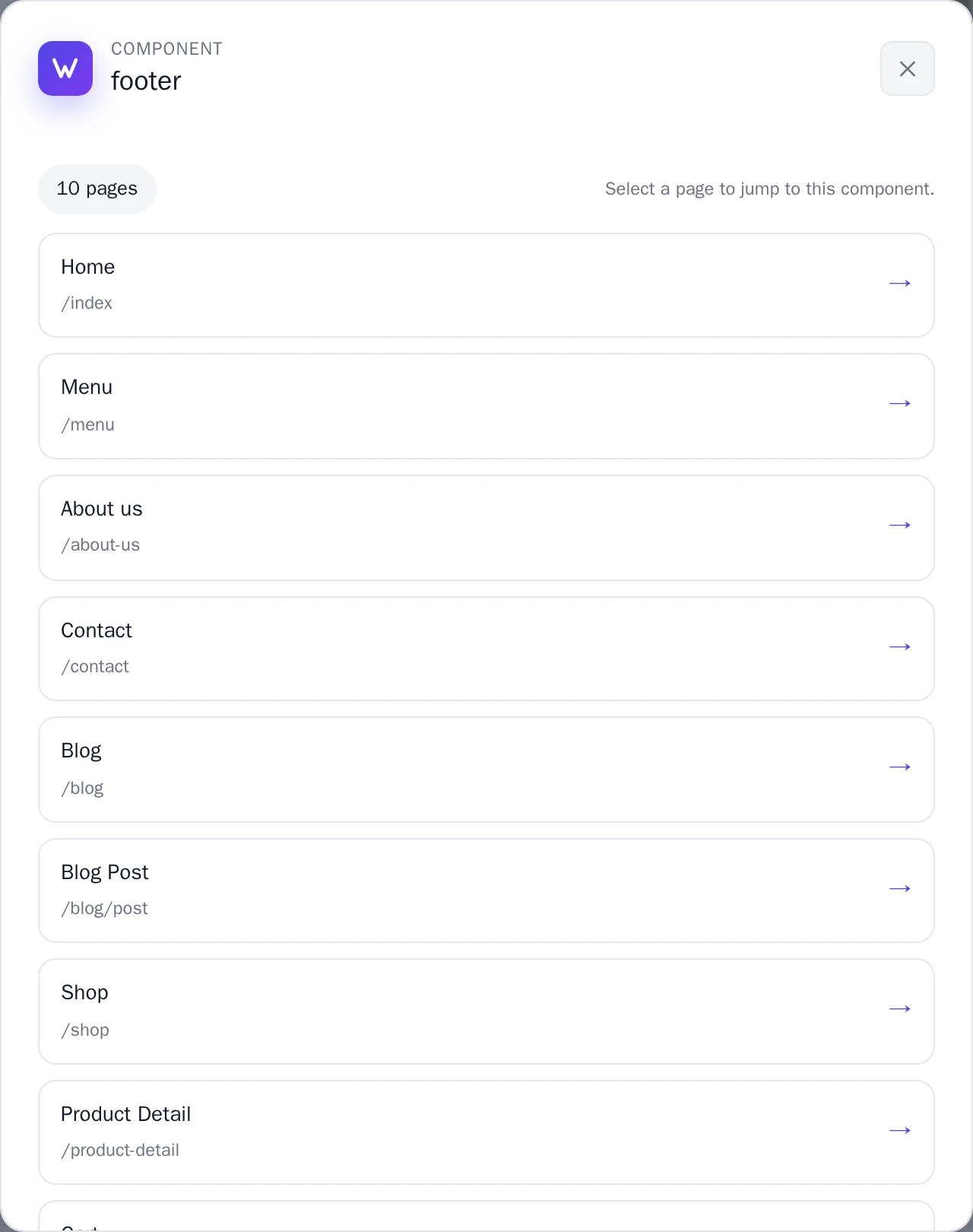
Select a component to see which pages use it. Select a page to open it at that component.
Change a component
- Open the AI chat.
- Say which part you want to change and how, for example: “In the footer, add the tagline: Fresh beans, roasted every Monday.”
- When the AI is done, look at a few pages: they all show the new footer.
If your request can mean more than one thing, the AI asks first. The chat then says Needs input: choose an answer and select Submit answers.
Undo a change
Didn't turn out the way you wanted? Go back with Undo changes with version history: a checkpoint holds all pages and components.