Delete a website
Take a website offline for good and remove it from your account.
On this page
Deleting a website takes it offline at once, on every address, and removes it from your list. Your other websites and your account stay as they are.
Before you start
Some things are linked to the website. Wobbio asks you to remove them first:
- Your own domain names. Remove them from the website, see Connect your own domain. Is email on for a domain? Turn it off first, see Email on your own domain. The domain itself stays yours: you can link it to another website.
- A Brain Machine. Delete it first, see Add a backend with a Brain Machine.
- AI work. Wait until the AI chat is done, or stop it.
Deleting a website doesn't change your subscription. To change it, see Credits and your subscription.
Delete the website
-
Open the website in the editor.
-
At the top left, select the website's name, then Edit project details.
-
At the bottom of the window, under Danger zone, select Delete project.
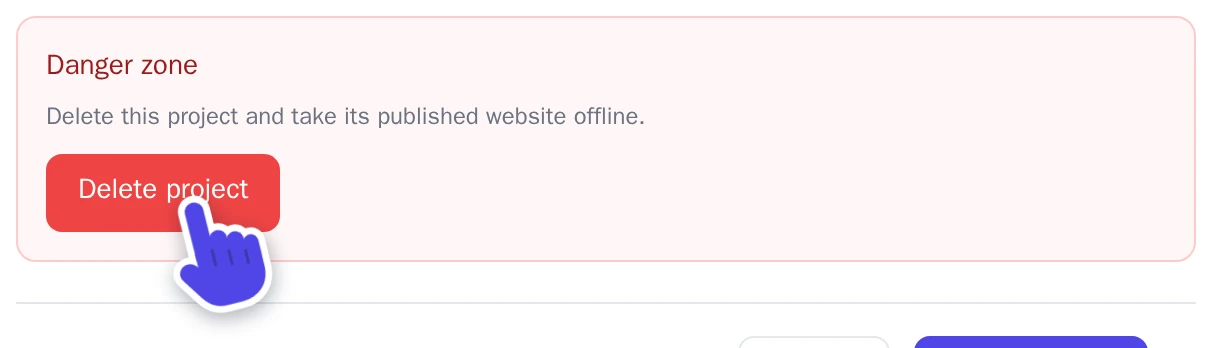
Danger zone in the Edit project details window. -
Is something still linked? Then the Project cannot be deleted yet window lists it, with Manage resource to go there. Remove it and start again.
-
In the Delete project? window, type the website's name under Type the project name to confirm, exactly as it is written.
-
Type your password under Current account password.
-
Select Delete project.
The website is offline right away. If it was open, the editor switches to another of your websites.