Add a backend with a Brain Machine
Give your website a server of its own, so the AI can build things like a database, your own API or tasks that run on a schedule.
On this page
A Brain Machine is a small server of its own for one website. On it, the AI can build what the Wobbio apps don't do: your own database, a link with another service, or a task that runs every night.
Most websites don't need one. A contact form, a web shop, bookings or a newsletter are apps that work without it.
Turn it on
- In the editor's side menu, under In this project, select Brain Machine.
-
Select Click here to enable.
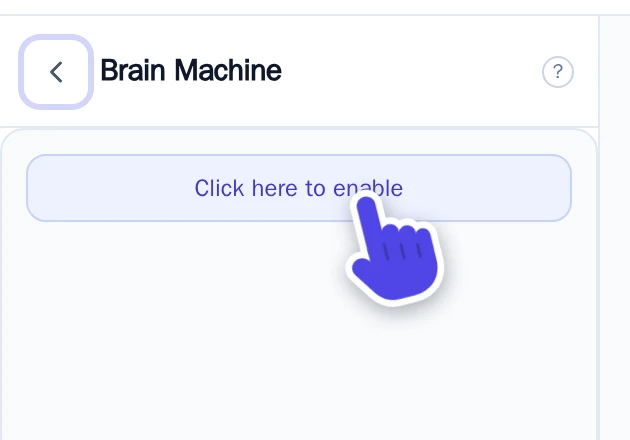
The Brain Machine panel.
Setting up the machine takes a few minutes. Then the panel shows how busy it is and how much storage it uses.
No Brain machines in your subscription yet? Then Wobbio shows Please add a brain machine to your subscription first
Let the AI build your backend
- Open the AI chat.
- Set what the AI may work on to Frontend + backend. See AI chat settings.
- Describe what you need, for example: “Save the sign-ups of the coffee tasting form in a database, and send me a list every Monday.”
The AI writes and tests the code on your machine and connects your pages to it. This uses credits, like every chat.
Keys and passwords of other services
Does the backend need a key for another service, like a payment or email provider? In the Brain Machine panel, select Manage .env variables and add it there. Mark it as secret: then it is hidden in the list, and you don't have to type it in the chat.
Manage your machine
Select your account at the bottom left of the editor, then Settings, then Brain Machines. For each machine you can:
- Start, Stop or Reboot it. While it is stopped, the backend of your website doesn't work.
- View database(s): look at the tables in its databases, and download a copy with Download .SQL
- View endpoints: the addresses the AI made for your pages.
- Under Snapshots: make a copy of the whole machine, or put an earlier copy back. Putting a copy back only works while the machine is stopped.
- Make it bigger. It restarts for that, and it can't be made smaller again.
Stop or delete it
- Stop keeps everything, so you can start it again later.
- Delete removes the machine with all its code, data and copies, for good.